
Self-Hosted AI Infrastructure: ComfyUI and Local LLM Inference on AMD/ROCm
My default is cloud-first: most of my AI workloads run on cloud providers. Alongside that, I’m testing how far local inference can go on my own hardware: a machine with an AMD Strix Halo chip, an integrated GPU and ROCm, used for image generation and language model inference. This page describes the setup and where it has worked well so far. It doesn’t replace my cloud work.
- Local image generation with ComfyUI and the Z-Image Turbo model
- Local LLM inference with Ollama as the interface for AI agents
- Both on the same AMD Strix Halo hardware with ROCm, with no dedicated graphics card
- Clear criteria for when local is the better choice and when cloud is
One machine, two jobs
I deliberately kept the core of my AI infrastructure simple: one machine with an AMD Strix Halo chip. It runs two very different kinds of AI workloads side by side. The first is image generation, which I use to create things like the robot mascots on this website. The second is language model inference, which my AI agents use for some of their tasks.
Both applications rely on the same foundation: the chip’s integrated GPU, accessed through ROCm. There’s no separate graphics card. That was one of the questions I found most interesting at the start: is an iGPU with ROCm good enough for serious AI work? The short answer from practice is yes.
Technical background: ROCm and unified memory
ROCm is AMD’s software platform for using GPUs for compute tasks such as running AI models. On my system, ROCm is the layer through which both ComfyUI and Ollama access the integrated GPU. That means I only have to set up and maintain the technical foundation properly once, and both applications benefit.
The key advantage of the Strix Halo chip is its unified memory: the CPU and GPU share the same RAM. A traditional graphics card is limited by its own dedicated video memory, but here the iGPU can use the shared RAM. That makes it possible to run large models on the integrated GPU, both language models and image generation models.
To be honest, setting up ROCm isn’t easy. Driver versions and compatibility have to line up, and getting everything stable takes some patience. Once the foundation is in place, though, every AI application built on top of it can use it.
Image generation with ComfyUI and Z-Image Turbo
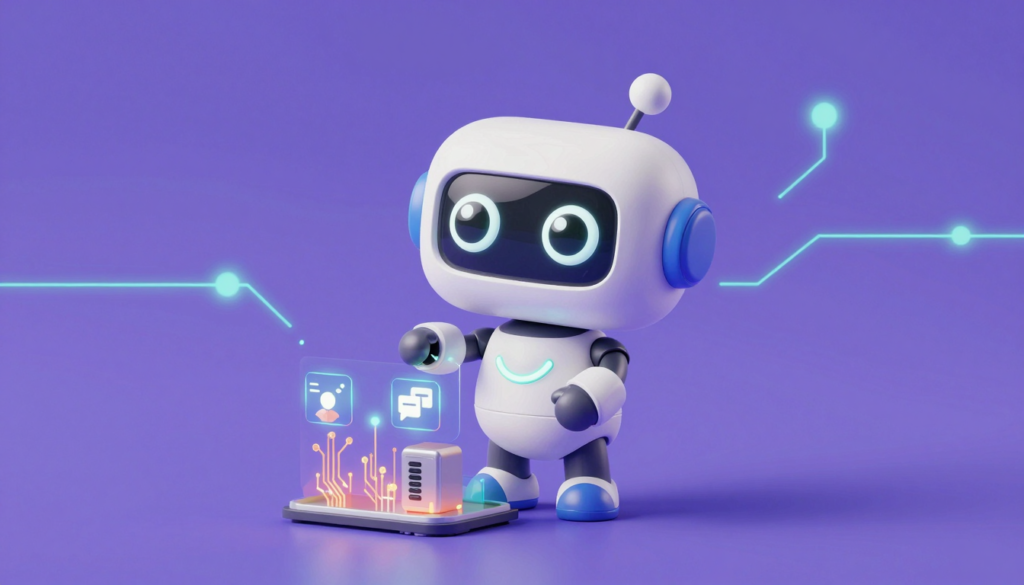
The robot mascots in the articles on this website aren’t bought and don’t come from a cloud service. I generate them locally with ComfyUI and the Z-Image Turbo model, on exactly the hardware described above.
ComfyUI provides the interface and runs the process. An image isn’t made with a single click. It comes from a workflow of individual nodes: load the model, set the prompt, generate the image, save the result. I can run this workflow the same way every time. For me that matters most, because it keeps the mascots recognizably consistent across articles instead of looking completely different in every image.
I describe how this works in practice in detail in the article How I Generate My Robot Mascots: ComfyUI in Practice.
Local LLM inference with Ollama
I use language models through cloud providers and also on my own hardware. Ollama runs on top of the ROCm foundation. It loads and manages the models and provides a simple API that my AI agents use to access the local language models. For the agents, it makes almost no difference whether a request is answered locally or in the cloud. I decide which one to use based on the task.
These lessons come from day-to-day operation. Ten days of running AI agents made it fairly clear where local models are strong and where they hit their limits. The details are in the article Local or Cloud? What Ten Days of Running AI Agents Taught Us About Costs and Limits.
Local or cloud: when to use which?
For me, running my own AI infrastructure doesn’t mean rejecting the cloud. It’s about choosing the right option for each task.
Local makes sense for large numbers of similar requests, where a small drop in quality compared with the largest cloud models is acceptable. It also makes sense wherever confidential data is involved that shouldn’t leave my own machine.
Cloud, for example via AWS, is still the better choice for complex reasoning, very long contexts and tasks where mistakes are costly. This is where the cloud providers’ large models are strongest.
For image generation, on the other hand, local is the clear choice for me.
Why I run my own hardware
In my view, there are four main reasons to run AI locally:
- Independence: No dependence on cloud models, their pricing or their usage policies, all of which can change at any time.
- Control: Full control over models, workflows and results, including repeatable processes.
- Data privacy: The data never leaves my own machine.
- Learning: I wanted to find out for myself whether an AMD iGPU with ROCm is up to AI workloads. It is.
The combination is what makes it appealing: image generation and language model inference share the same hardware and the same ROCm foundation. Instead of two separate systems, I get a compact AI platform that I run entirely myself and add cloud models to when a task calls for it. I monitor the whole setup with my Grafana monitoring.
Conclusion
Self-hosted AI infrastructure on AMD Strix Halo hardware with ROCm works in practice, but for me it’s deliberately a trial, not the default. I’m still cloud-first. ComfyUI with Z-Image Turbo already produces consistent images for this website, and Ollama provides local language models for my AI agents. Both supplement the cloud rather than replace it. The integrated GPU’s unified memory makes it possible to run large models without a dedicated graphics card. Setting up ROCm takes real effort, and I’m still testing whether it pays off beyond the current use cases.
- How I Generate My Robot Mascots: ComfyUI in Practice
- Local or Cloud? What Ten Days of Running AI Agents Taught Us About Costs and Limits (7 Nov 2026)
- openHPI: Artificial Intelligence and Machine Learning for Beginners